
Can Lovable Build Mobile Apps? How to Build Native iOS & Android Apps with AI (Expo React Native Guide)
Developers frequently ask if Lovable, v0, or Bolt can build mobile apps. The short answer is no—they are strictly web-only. Here is why web-only AI tools fail at mobile and how builders use Orbit and Expo React Native to generate real iOS and Android apps.
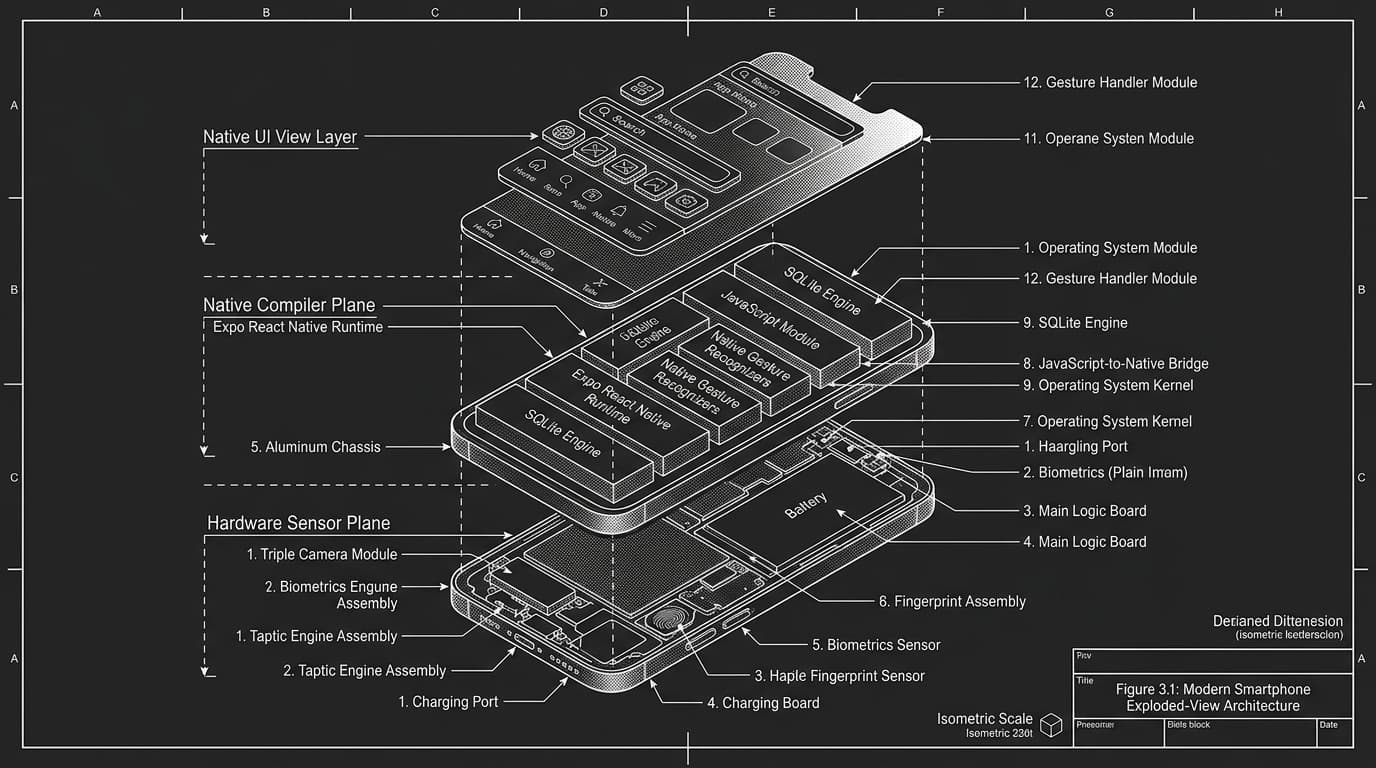
One of the most frequent questions asked on Reddit (r/reactnative, r/webdev), Discord, and Google right now is: "Can I use Lovable or Bolt to build an iOS and Android app?"
The short answer is no.
The slightly longer answer is that you can generate a responsive web app and attempt to wrap it in a slow, clunky WebView wrapper like Capacitor or Cordova—only to discover that your app feels sluggish, gestures stutter, push notifications fail, and the Apple App Store rejects it for poor user experience.
In 2026, web apps and native mobile apps are fundamentally different beasts. If you want an app on someone’s phone screen that feels fast, interacts with the camera, tracks biometrics, and works offline, you cannot use a web-only tool.
Here is why web-only AI tools fail at mobile, how native mobile generation works, and the step-by-step blueprint to build real iOS and Android apps using Orbit and Expo React Native.
1. Why Lovable, v0, and Bolt.new Cannot Build Mobile Apps
To understand why traditional prompt-to-app tools can’t build mobile apps, you have to look at their runtime infrastructure:
1. In-Browser WebContainers vs. Native Mobile Runtimes
Tools like Bolt and Lovable rely heavily on browser-based virtualization (like WebContainers) designed to run Node.js inside Google Chrome. But you cannot run Android’s JVM or Apple’s iOS simulator inside a Chrome tab. Mobile apps require native build chains, mobile-specific package managers, and native bridging layers.
2. The DOM vs. Mobile Native Views
Web builders generate HTML DOM elements (<div>, <span>, <h1>, Tailwind className). Mobile operating systems do not understand HTML. React Native uses native primitives (<View>, <Text>, <Pressable>, <ScrollView>) that map directly to UIView on iOS and android.view on Android. When you feed a web-only AI a mobile prompt, it outputs CSS that crashes on mobile devices.
3. Hardware APIs and Gesture Handlers
Try asking a web generator to implement haptic feedback, 60fps swipe-to-dismiss sheet gestures, biometric FaceID auth, or accelerometer event streams. Web-based code falls apart immediately because it lacks access to mobile system SDKs.
2. The Solution: Expo React Native as an Autonomous AI Target
When engineers and solo founders build mobile apps today, the universal gold standard is Expo (with React Native). Expo provides file-based routing (expo-router), cross-platform native modules, push notification infrastructure, and instant over-the-air (OTA) updates. Most importantly, it allows developers to test their app live on physical devices in real-time via the Expo Go app or development builds.
Recognizing this gap, Orbit was engineered with Expo React Native as one of its 4 first-class code compilation targets alongside Next.js App Router, Vite React, and HTML/CSS.
Comparing mobile architecture, hardware access, and store deployment readiness
| Feature | Lovable / Bolt / v0 | Orbit (Expo React Native) | Why It Matters for Mobile |
|---|---|---|---|
| Output Architecture | React (DOM / HTML / Tailwind) | Expo React Native + TypeScript | Native compilation vs sluggish browser window |
| Navigation System | React Router (Browser URLs) | Expo Router (Native stacks, tabs, modals) | Native page transitions, swipe gestures, back buttons |
| Offline Storage | LocalStorage / IndexedDB (Unreliable) | Expo SQLite / MMKV / Async-Storage | Instant app launch even when offline |
| Hardware Capabilities | Browser Web APIs only (Limited) | Camera, Biometrics (FaceID), Haptics, Sensors | Full access to mobile device hardware features |
| App Store Readiness | Requires third-party wrappers (Capacitor) | Native IPA / APK export ready via EAS Build | Zero rejection risk for poor web-wrapper UX |
| Testing on Device | Browser responsive mode simulation | Scan QR code to run directly on iPhone/Android | Real tactile testing on hardware in 30 seconds |
3. Step-by-Step: How to Build an iOS & Android App with Orbit
Here is the exact workflow you can use right now to generate a production-ready mobile app from a single prompt:
Step 1: Define Your Mobile Target in Orbit
In Orbit’s autonomous input bar, you don’t need to write boilerplate configs. You simply state the mobile target:
Build a native mobile fitness and workout tracker app using Expo React Native and TypeScript.
Features:
- Daily workout checklist with swipe-to-complete native gestures
- Rest timer with audio chimes and native haptic feedback
- Local SQLite database to track sets, reps, and personal records offline
- Dark mode data-dense UI with IBM Plex typography
Step 2: Autonomous Architecture & File Generation
Unlike single-file code generators that give you a 2,000-line spaghetti file, Orbit scaffolds a clean, modular repository following modern mobile software engineering standards:
- ›app/(tabs)/index.tsx — Today’s workout tracker and set logger
- ›app/(tabs)/analytics.tsx — Native charts showing volume progress over time
- ›app/(tabs)/history.tsx — Searchable log of past training sessions
- ›components/ui/RestTimerModal.tsx — Native modal with haptic triggers via expo-haptics
- ›lib/db.ts — Persistent local database layer via expo-sqlite
- ›lib/design-tokens.ts — Rigid design token locks for dark mode and spacing
Step 3: Native Hardware & Gesture Integration
Orbit writes real native imports instead of web mocks:
import { View, Text, Pressable, StyleSheet } from 'react-native'
import * as Haptics from 'expo-haptics'
import { useRouter } from 'expo-router'

interface WorkoutCardProps {
  exercise: string
  sets: number
  onComplete: () => void
}

export function WorkoutCard({ exercise, sets, onComplete }: WorkoutCardProps) {
  const router = useRouter()

  const handlePress = async () => {
    // Real native mobile tactile haptic feedback
    await Haptics.impactAsync(Haptics.ImpactFeedbackStyle.Medium)
    onComplete()
  }

  return (
    <Pressable
      onPress={handlePress}
      style={({ pressed }) => [styles.card, pressed && styles.cardPressed]}
    >
      <Text style={styles.title}>{exercise}</Text>
      <Text style={styles.subtitle}>{sets} working sets</Text>
    </Pressable>
  )
}

const styles = StyleSheet.create({
  card: {
    backgroundColor: '#171717',
    borderRadius: 16,
    padding: 16,
    marginBottom: 12,
    borderWidth: 1,
    borderColor: '#262626',
  },
  cardPressed: {
    opacity: 0.8,
    transform: [{ scale: 0.98 }],
  },
  title: {
    fontSize: 18,
    fontWeight: '700',
    color: '#ffffff',
  },
  subtitle: {
    fontSize: 13,
    color: '#a3a3a3',
    marginTop: 4,
    fontFamily: 'monospace',
  },
})
Step 4: Live Device Preview (Scan & Test)
Because Orbit runs a live, persistent container environment, it spins up the Expo development server directly. You can simply open the free Expo Go app on your physical iPhone or Android device, scan the QR code displayed in the Orbit preview panel, and watch the app compile instantly on your phone—complete with native scrolling physics, keyboard avoiding views, and tactile haptics.
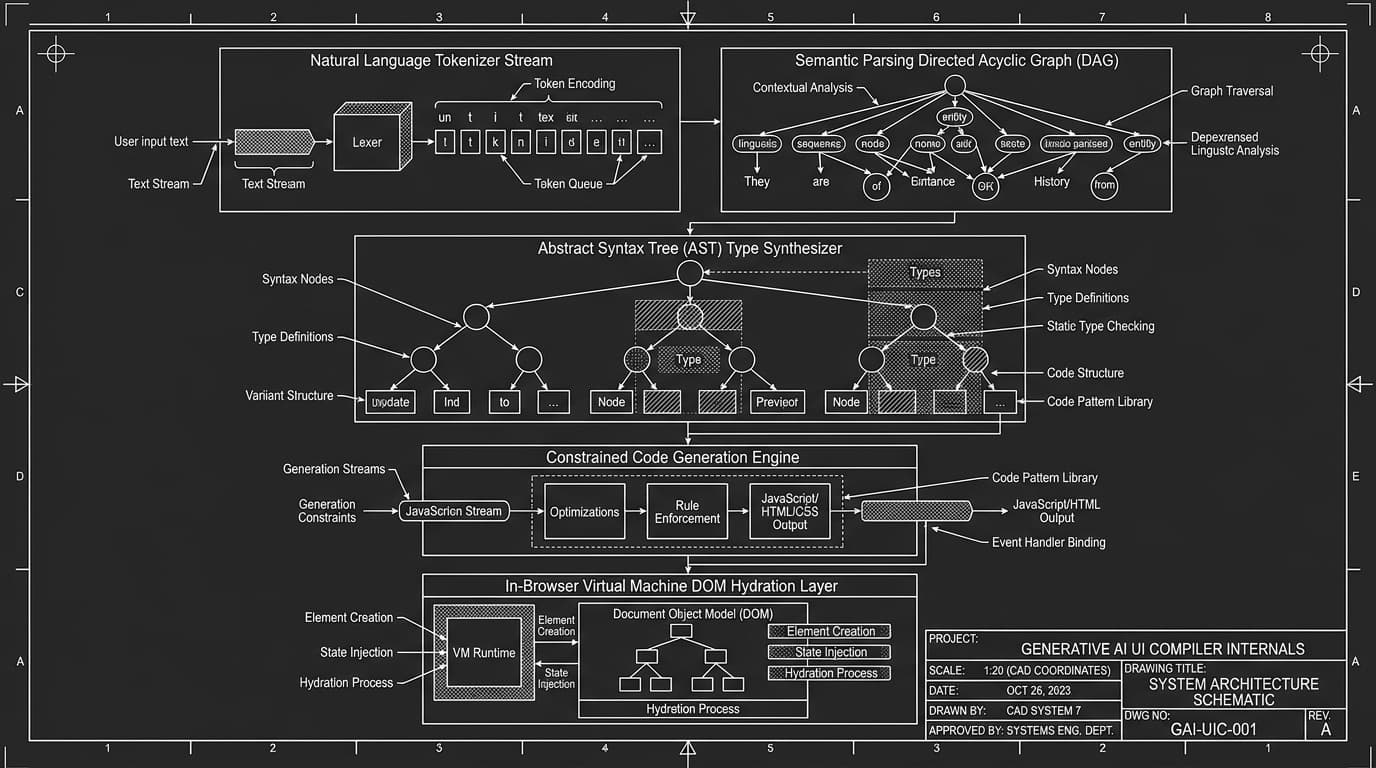
4. The 3 Biggest Mistakes People Make When Generating Mobile Apps with AI
Mistake 1: Relying on Web Wrappers (Capacitor / Cordova)
Wrapping a Lovable or Bolt web app in a WebView might look acceptable on your desktop browser’s mobile preview. But on a physical phone, scroll acceleration feels uncalibrated and unnatural, virtual keyboards cover input fields without smooth layout shifting, and App Store reviewers reject it under Apple Guideline 4.2 ("Minimum Functionality / Website in an App").
Mistake 2: Deprecated Package Hallucinations
Older AI models constantly hallucinate outdated React Native libraries (like deprecated react-native-navigation v2 or unmaintained AsyncStorage packages). Orbit’s Sources engine and cited reasoning verify package compatibility against current Expo SDKs before compiling your package.json.
Mistake 3: Zero Offline Strategy
Web apps assume a stable internet connection. Mobile apps get used in subways, gyms, and airplanes. A real mobile AI workspace must scaffold local persistence (SQLite, MMKV) so your user’s experience never drops when Wi-Fi drops.
5. Summary: Stop Trying to Force Web Tools to Build Mobile Software
If your goal is to build a web dashboard, marketing landing page, or browser SaaS, tools like Lovable, v0, and Bolt are capable of spinning up initial frontend prototypes.
However, if you want to launch a real mobile application to the Apple App Store and Google Play Store, using a web-only tool is a dead end. You need an autonomous workspace that understands native views, file-based mobile navigation, hardware device hooks, and persistent mobile storage from the very first prompt.
[ CROSS-REFERENCES · EXPLORE MOBILE & APP BUILDING IN ORBIT ]
Frequently Asked Questions
- [Q]Can Lovable, v0, or Bolt.new build mobile apps?
- No. Lovable, v0, and Bolt are web-only development tools that output React/Tailwind code for web browsers. They cannot generate native iOS or Android mobile applications.
- [Q]How does Orbit generate native mobile apps?
- Orbit natively compiles prompts into Expo React Native codebases with TypeScript, Expo Router navigation, native device sensor hooks, and offline SQLite storage.
- [Q]Can I test the generated mobile app on my own phone?
- Yes. Orbit runs an in-browser development server with a QR code you can scan using the free Expo Go app on iPhone or Android to test immediately on hardware.
- [Q]Can I publish Orbit mobile apps to the App Store and Google Play?
- Yes. Orbit exports standard, clean Expo projects that compile into production IPA and APK binaries using EAS Build (Expo Application Services).
- [Q]Why are WebView wrappers like Capacitor discouraged for AI-generated apps?
- WebView wrappers wrap responsive websites in an embedded browser window, resulting in stuttering touch response, virtual keyboard conflicts, and high rejection rates under Apple App Store Guideline 4.2.
Build with Orbit AI Developer Workspace
Connect live databases, generate native Expo mobile codebases, and eliminate fragmented subscriptions inside one continuous environment.